
Content
How to choose a cutting plotter for decals and automotive film
Practical guide: compare cutting width (A3, 135 and 160 cm), camera contour cutting, speed and pressure to choose the right plotter for stickers, labels and film.
Published on
How to choose a cutting plotter?
To choose a cutting plotter, start with three questions: what material width will you cut, do you need contour cutting for pre-printed artwork, and how much will you produce per day? The answers to these questions define the model, more than any other spec sheet item.
Useful width: maximum media width and cutting width limit the piece size. In the KUTT line, the A3 accepts media up to 33 cm and contour cuts in A3 Plus format (32.9 × 48.3 cm); the KUTT Camera 135 accepts media up to 131 cm and cuts up to 122 cm; the KUTT Camera 160 accepts media up to 166 cm and cuts up to 153 cm. For vehicle wrapping and automotive film, wide rolls require the 135 or 160 cm models.
Camera contour cutting: if you print stickers and need to cut exactly around the artwork, choose a model with registration mark recognition. All mentioned KUTT models use a camera. The maximum contour cutting width is 120 cm on the Camera 135 and 143 cm on the Câmera 160.
Speed and pressure: the KUTT A3 reaches up to 1000 mm/s and 1000 gf of pressure, suitable for labels, stickers, and paper up to 400 g. The Camera 135 operates at 800 mm/s with 1000 gf, and the Câmera 160 at 800 mm/s with 500 g of pressure. Thicker materials require compatibility confirmation with the technical team.
Space and operation: the A3 is a desktop model (78 × 48 cm without tray), while the 135 and 160 versions come with a stand and occupy around 156 and 186 cm in width. All use SignMaster software and come with a 12-month warranty from TEKNOVA.
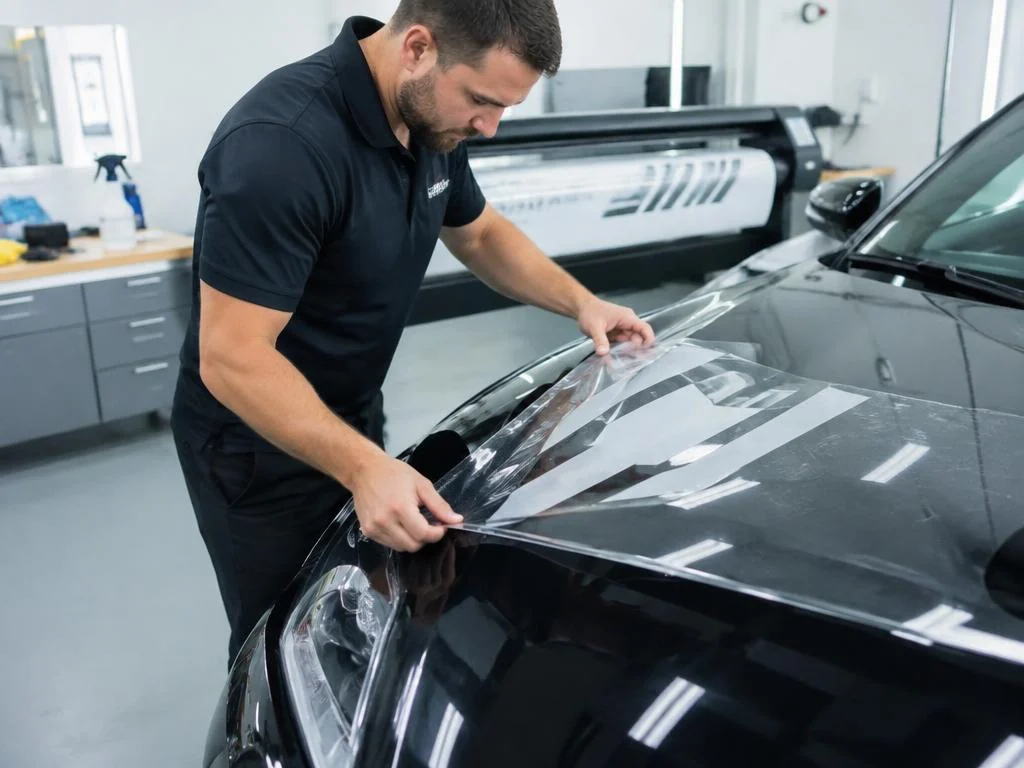
Practical summary: for sheet-fed labels and stickers, KUTT A3; for stickers and signage on medium rolls, KUTT Camera 135; for automotive film, PPF, and vehicle wrap on wide rolls, KUTT Câmera 160.